
NEWYou can now listen to Fox News articles!
Scammers have become very good at getting us to do the dirty work for them. Someone may pose as your bank, claim your account was hacked or tell you to move money before something terrible happens. The call or message might sound convincing enough that you willingly follow the instructions.
That’s one reason a new iOS 27 setting caught my attention. Apple calls it Impersonation Risk Detection, and it can help supported apps recognize signs that you may be acting under the influence of a scammer.
If you use Android, keep reading. Google Pixel and Samsung Galaxy phones have their own built-in scam protections, and some of them go after the problem from a different direction. I would check these settings no matter which of these phones is in your pocket.
Join us for a free CyberGuy LIVE class.
Kurt “CyberGuy” Knutsson shares practical ways to stay safer, smarter and more confident with technology. Explore classes on stopping spam, phone security, financial protection and using AI to get better healthcare. Each class is free, easy to follow and comes with a free printable checklist.
See the classes and register at CyberGuyLive.com
SCAMMERS ARE BUYING GOOGLE ADS TO STEAL BANK LOGINS

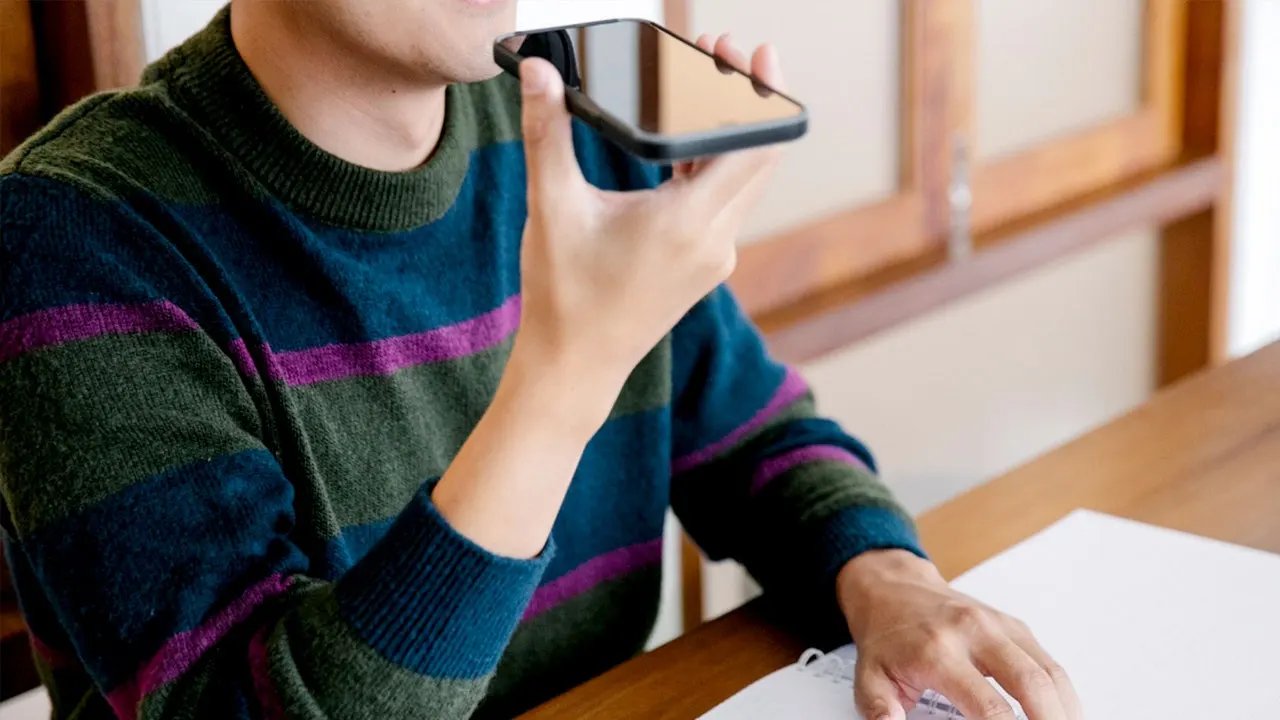
An iPhone running iOS 27 can use Impersonation Risk Detection to help supported apps spot signs of a possible scam. (Kurt “CyberGuy” Knutsson)
What Impersonation Risk Detection does on iPhone
Apple introduced Impersonation Risk Detection with iOS 27. The feature is designed to help with active social engineering scams, where someone pressures or guides you into doing something yourself. That last part is important. Traditional security can help block malware or stop an unauthorized login. However, those defenses can have a harder time helping when you are the legitimate account holder and a scammer has convinced you to send money or change sensitive account information.
When you perform certain sensitive actions inside a supported third-party app, that app can ask Apple for a risk assessment. Apple says examples may include making a payment or changing critical security information such as a password.
The app then receives one of three risk levels:
- Unknown: No evidence of suspicious activity was detected. Apple warns that this does not confirm the action is safe.
- Medium: Some signs of suspicious activity were detected.
- High: Significant signs of suspicious activity were detected.
From there, the app decides how to respond. It might ask you to verify your identity, delay an action or display a warning before letting you continue. That could give you one more opportunity to stop when a scammer is rushing you through a payment or account change.
How Apple’s anti-scam feature decides something looks suspicious
Impersonation Risk Detection looks at signals related to how you are using your device. Apple says those signals can include interaction patterns, timing, context and basic sensor data. Apple’s privacy documentation gives some additional examples. Your iPhone may consider whether you are sharing your screen as well as the approximate number of recent phone calls or emails you have received. It can combine that assessment with certain Apple Account information, including recent App Store downloads and purchases.
The goal is to look for unusual behavior that could suggest someone is guiding or pressuring you. However, there is an important limitation. This feature works only with third-party apps that support Apple’s Impersonation Risk Detection system. Turning it on does not give every app on your iPhone automatic scam detection.
What Apple can see when you use Impersonation Risk Detection
Apple says it never analyzes the content of your Photos, Messages or Mail for this feature. The underlying device information used to create the assessment also stays protected from both Apple and the requesting app. There is still some information sharing you should understand before turning it on. Your iPhone creates an on-device assessment and sends that assessment, rather than the underlying device data, to Apple.
Apple can then combine it with certain Apple Account activity to generate the final risk signals. Apple also learns the category of activity you were attempting, such as signing in or making a payment. Apple says it does not learn which app requested the signals or the content of what you were doing inside the app. The requesting app receives the resulting risk level. It does not receive the underlying information Apple used to produce it.
Why the iPhone anti-scam setting is off by default
Apple requires you to choose whether supported apps can request Impersonation Risk Detection signals. As a result, Share with App Developers starts out turned off. That means simply updating your iPhone to iOS 27 does not activate the protection. You need to go into Settings and enable it yourself.
One warning from Apple really stands out. If somebody on the phone tells you to disable Impersonation Risk Detection, Apple says you might be dealing with a scammer. I would treat a request like that as a major red flag. Hang up and contact the company using a number or app you already trust.
How to turn on Impersonation Risk Detection in iOS 27
Here’s how to check the setting on an iPhone running iOS 27:
- Open Settings.
- Tap Privacy & Security.
- Scroll down and tap Impersonation Risk Detection.
- Turn on Share with App Developers.
- If prompted, sign in to the App Store with your Apple Account.
Apple says changes to this setting may take up to 24 hours to take effect. After you turn it on, you can return to Settings > Privacy & Security > Impersonation Risk Detection to see which apps have recently requested a risk assessment. You can also review why each app requested access and turn off access for individual apps.
Samsung Galaxy phones have built-in scam and spam protection
Samsung Galaxy phones also include tools designed to identify suspicious callers, although the exact features you see can vary by model, carrier and software version. On many Galaxy phones, Caller ID and spam protection is the main setting to check. Samsung uses technology from Hiya to identify suspected spam, scam and potential fraud calls, including numbers that aren’t saved in your contacts.
Samsung also offers a separate real-time Scam detection feature on some compatible Galaxy phones running One UI 8.5 or higher. Samsung says that feature can analyze calls for scam patterns and alert you with a tone or vibration. However, that option does not appear on every Galaxy phone, even when the device is running current software. Samsung began rolling out One UI 9 in September 2026, starting with the Galaxy S26 series after its debut on Samsung’s newest foldables. Feature availability can still depend on your model, carrier and region.
MAKE UNKNOWN CALLERS EXPLAIN WHY THEY’RE CALLING
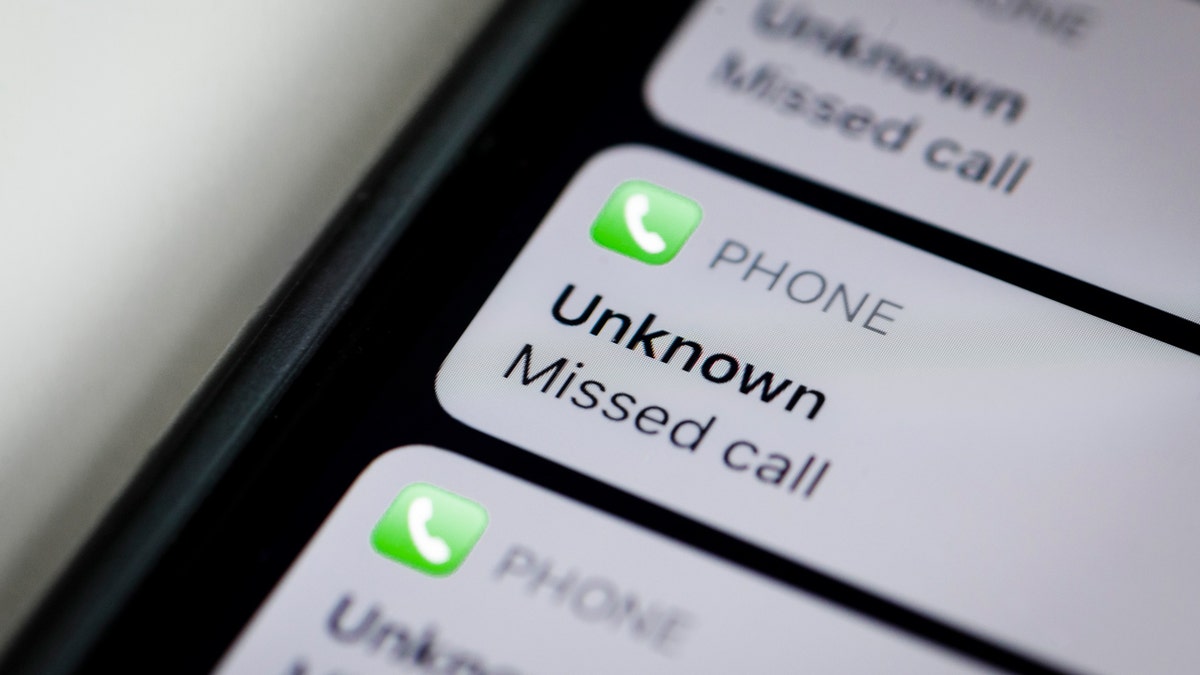
Some smartphones can use Caller ID and spam protection to identify and block suspected spam and scam calls. (Thomas Trutschel/Photothek via Getty Images)
How to check scam and spam protection on Samsung Galaxy
On a Samsung Galaxy, the exact options can vary by model, carrier and software version. To check the protection available on your phone:
- Open the Samsung Phone app.
- Tap the three vertical dots in the upper-right corner.
- Tap Settings.
- Tap Caller ID and spam protection.
- Make sure the main switch at the top is turned on.
- Turn on Block spam and scam calls.
- Choose either Block all spam and scam calls or Only block high-risk scam calls.
Samsung uses call-identification technology from Hiya to help identify suspected spam and scam callers, including numbers that aren’t saved in your contacts. On compatible Galaxy phones, you may also see Call screening in the Phone app’s settings. That feature can handle certain incoming calls before you answer. Samsung documents Call screening for compatible phones running One UI 8.5 or higher.
Pixel owners have Scam Detection for calls
Google takes a different approach on Pixel phones. Its Scam Detection feature can analyze a phone conversation in real time and warn you when the call shows patterns commonly associated with fraud.
In the U.S., Google currently supports call Scam Detection on eligible Pixel 6 and later devices, with some model-specific exceptions. Pixel 9 and newer models use Gemini Nano on the device for scam detection during calls.
Google says the feature works on the device. However, the company also warns that it cannot detect every scam, so a call that receives no warning should never automatically be considered safe.
How to turn on call Scam Detection on Pixel
To check it:
- Open the Phone app.
- Tap the menu in the upper-right corner.
- Tap Settings.
- Tap Scam Detection.
- Turn on Scam Detection.
Call Scam Detection requires you to opt in. If Google detects patterns associated with a scam during an eligible call, your Pixel can warn you while the conversation is still happening. That’s useful because many scams become more convincing once a criminal gets you talking. The scammer can adjust the story based on what you say and keep applying pressure.
Pixel can warn you about suspicious messages too
Pixel owners have another protection worth checking. Scam Detection for chat messages can analyze new message notifications from supported apps and warn you when something looks suspicious. Google says this feature is available in the U.S. and several other countries. In the U.S., Scam Detection can also work with Gboard in select messaging apps and warn you as you begin responding to a suspicious message. Google expanded that capability with its September 2026 Pixel update. Unlike call Scam Detection, message Scam Detection is turned on by default.
How to check message Scam Detection on Pixel
- Open Settings.
- Tap Security & privacy.
- Tap More security & privacy.
- Tap Scam Detection.
- Make sure Message scams is turned on.
Google says the feature runs in a secure, isolated environment. Your message content stays private and is not sent to Google unless you choose to share a message after receiving an alert. Google’s September 2026 Pixel update is rolling out to supported Pixel devices running Android 17, so I would also make sure your Pixel has the latest available system update installed.
SCAMMERS KNOW THE BEST TIME TO TEXT YOU

Pixel phones can use Scam Detection during calls to warn you when a conversation shows signs of a likely scam. (Halfpoint/Getty Images)
Apple, Pixel and Galaxy approach scam detection differently
These features aren’t interchangeable, which is actually helpful. Apple’s Impersonation Risk Detection focuses on signs that you may be getting manipulated while performing sensitive actions inside supported apps. Pixel can watch for scam patterns during calls and suspicious messages. Samsung can analyze supported calls for scam patterns.
A scam may also move between several channels. Someone could text you first, get you on the phone and eventually convince you to open a legitimate banking app. Having protections at different points in that process gives your phone more opportunities to warn you before money or account information changes hands.
What to do when your phone warns you about a possible scam
Treat a scam warning as a reason to stop and verify what is happening. Don’t keep following the caller’s instructions while trying to decide whether the warning is right.
Hang up if you’re on a suspicious call. Then contact the bank, government agency or company directly using its official app, website or a phone number you already trust.
The same goes for payment alerts. Open your financial institution’s official app yourself and check the account. Don’t use a phone number or link supplied by the person who contacted you.
Also remember the reverse. No warning does not prove that a call, message or transaction is legitimate. Apple and Google both make clear that these systems can miss scams.
Don’t rely on your phone to catch every scam
I like these features, but I would use them as another layer rather than my only protection. Scammers constantly change their scripts. They can spoof caller ID, impersonate companies you know and use personal information to make a fake story sound believable.
If someone unexpectedly asks for a password, verification code or payment, slow down. A demand to transfer money to a “safe account” should also send up an immediate warning sign.
Strong antivirus software can help protect against malicious links, phishing sites and malware that may appear alongside these scams. A password manager can also help by generating unique passwords and making it harder to reuse the same credentials across accounts. The phone can warn you. You still get the final say.
Get my picks for the best 2026 antivirus protection winners for your Windows, Mac, Android and iOS devices at CyberGuy.com.
Kurt’s key takeaways
What I find most interesting about these scam protections is how close they’re getting to the moment when someone might actually lose money. For years, we’ve relied heavily on spam filters and caller warnings to keep criminals away. Now our phones are starting to look for what happens after the conversation begins. Apple’s approach in iOS 27 could be especially useful when a scammer has already convinced you to open a legitimate app and take action yourself. Pixel can warn about suspicious calls and messages, while some compatible Galaxy phones can detect scam patterns during calls.
Would you trust your phone enough to stop a payment after it warned you that you might be getting scammed, or would you still need to see more proof before changing course? Let us know by writing to us at CyberGuy.com.
Sign up for my FREE CyberGuy Newsletter
- Get my best tech tips, urgent security alerts and exclusive deals delivered straight to your inbox.
- For simple, real-world ways to spot scams early and stay protected, visit CyberGuy.com – trusted by millions who watch CyberGuy on TV daily.
- Plus, you’ll get instant access to my Ultimate Scam Survival Guide free when you join.
CLICK HERE TO DOWNLOAD THE FOX NEWS APP
Copyright 2026 CyberGuy.com. All rights reserved.